Drive Your Business Growth with Microsoft 365 Copilot
11-12-2025
Discover how Microsoft 365 Copilot is transforming productivity and efficiency for SMBs.
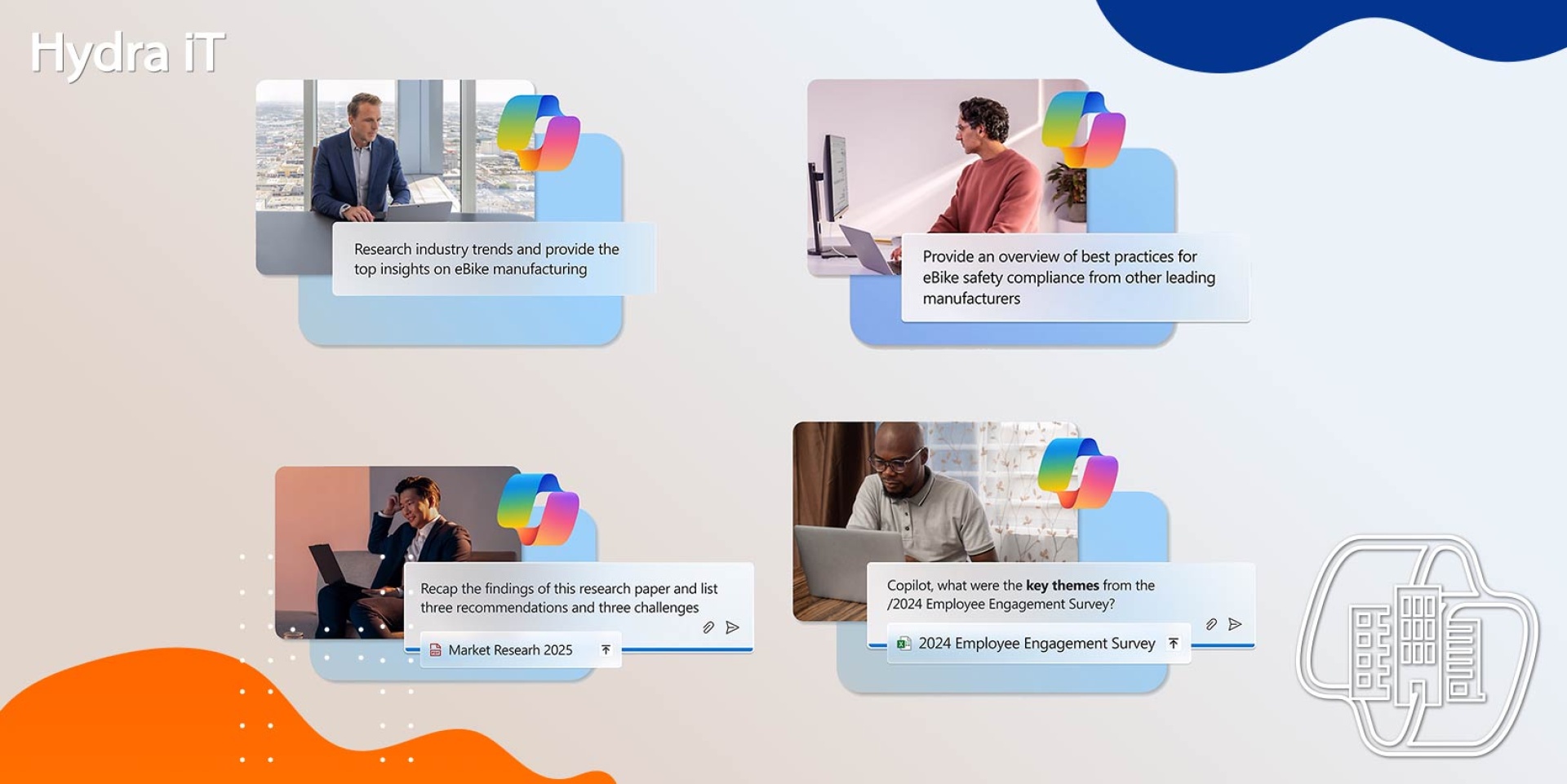
Technology should be a growth engine. That’s why more and more SMBs are adopting Microsoft 365 Copilot to gain agility, boost productivity, and make smarter decisions.
SMBs are proving that innovation doesn’t depend on size, but on strategy. By integrating Copilot into their daily operations, SMBs are transforming their processes and creating real value.
Benefits of Adopting Copilot in SMBs
SMBs have shown how quickly adapting to new technologies like Copilot can deliver real, tangible results. By integrating AI into their daily work, these companies are seeing improvements in productivity, collaboration, and efficiency—results that other organizations can apply to their own AI journeys.Accelerate Time-to-Market
Copilot helps turn ideas into results faster. The study The Projected Total Economic Impact™ of Microsoft 365 Copilot for SMBs, conducted by Forrester, found that faster time-to-market increased revenue by up to 6% among surveyed companies.Here are some ways SMBs are using Copilot to simplify workflows and boost productivity:
- Content drafting and summarization: Using Copilot in Word to summarize complex scientific tables reduces content creation time from weeks to days while maintaining high standards of accuracy and reliability.
- Customer feedback analysis: Leveraging Copilot in Microsoft Teams to analyze customer feedback and identify product development trends, speeding up delivery timelines and minimizing delays.
- Campaign briefing creation: Using Copilot in Word to create campaign briefs in just 30 minutes—previously taking up to three hours—enabling faster responses to social trends with new campaigns.
Increase Efficiency with Copilot
Copilot can also generate measurable savings. For example, Forrester’s study revealed that surveyed companies reduced operational and supply chain costs.Some ways Copilot helps improve efficiency:
- Automate manual tasks: Use Copilot to generate notes and summaries, enabling more focused discussions and more effective problem-solving.
- Simplify data management: Copilot consolidates technical, financial, and regulatory data from multiple sources (Word, Excel, Teams, and Outlook) into an easy-to-understand format. It then summarizes and cross-references complex documents, acting as a “shared brain” that removes bottlenecks and accelerates projects.
- Improve inventory management: Copilot in Excel can automate product specification consolidation, allowing for more efficient data organization and easier website updates.
Optimize Workflows with Copilot
Beyond task automation, AI can transform workflows and boost efficiency. With Copilot, businesses can map operations, simplify repetitive steps, and empower teams to work more effectively. Here are three examples:- Personalize sales presentations with Copilot in PowerPoint: Copilot in PowerPoint keeps sales presentations updated and targeted, saving time and improving customer experience with personalized materials.
- Enhance customer management with Copilot in Excel: Identify trends in under an hour—previously taking three or four—enabling faster recommendations, improving satisfaction, and fostering long-term relationships.
- Multilingual collaboration with Copilot in Teams: Global collaboration is easier with Copilot in Teams, which can transcribe and translate meeting notes for teams across multiple continents.
Training and Support to Maximize Impact
Effective training is essential to get the most out of Copilot. The focus should be on practical, role-specific learning, helping employees integrate Copilot into their daily routines. With ongoing support—such as built-in tutorials, resources, and workshops—employees can continue to refine their skills and use Copilot across all workflows.Optimize Business Processes
Adopting Copilot isn’t a one-time process. It’s important to regularly assess its usage, identify areas where it creates value, and look for improvement opportunities. By tracking usage and gathering employee feedback, businesses can refine how they use Copilot, pinpointing where automation saves time and where additional support can boost adoption.Source: Microsoft
Share